 PartLens
The best free CAD viewers in 2026, compared honestly
For opening STEP and CATIA files on a phone or PC without uploading them, PartLens is free on Android, iPhone, Windows and Mac, and adds measuring, sections, photo-real rendering and animation. eDrawings is the natural pick for native SOLIDWORKS files, Onshape for teams who design together in the cloud, and FreeCAD if you need to change the model on a PC. PartLens 2.41.0 opens supported AutoCAD 2000 2D DWG drawings. Autodesk offers DWG TrueView and Autodesk Viewer for other DWG versions.
We make PartLens, so read this with that in mind. We have tried to say plainly where other tools are the better choice. Competitor details come from their public pages and our own use; vendors change their plans often, so check their own pages before you decide.
Side by side
| Viewer | Price | Phone | File stays on your device | CATIA V5 | Render and animate |
|---|---|---|---|---|---|
| PartLens | Free (AI motion optional, credits) | Android, iPhone, iPad | Yes | Opens, marked approximate | Both, free |
| eDrawings Viewer | Free viewer; mobile measure and sections in paid Pro | Yes | Yes | Not in the free viewer | Plays animations saved in eDrawings files |
| Glovius | Subscription | Yes | Varies by product | Yes, on paid plans | No |
| CAD Exchanger | Free mobile app with an import size limit; paid desktop | Yes | Varies by product | Paid desktop | No |
| Onshape | Free plan for public documents | Yes | No, cloud CAD | Imported into Onshape | Rendering on paid plans |
| FreeCAD | Free, open source | No | Yes | No | Plugins, for experienced users |
| Autodesk Viewer | Free | In a browser | No, uploaded to Autodesk | 80+ file types; check yours | No |
| ShareCAD | Free, files up to 50 MB | In a browser | No, uploaded | Not listed | No |
| DWG TrueView | Free | No, Windows only | Yes | No, DWG and DXF only | No |
| CAD Assistant | Free | Yes; last updated in 2021 | Yes | No | No |
Checked 16 November 2026. Open Cascade's CAD Assistant left Google Play around May 2025; it is still a free download from Open Cascade for Windows, Mac, Linux and as an Android file, last updated in October 2021.
PartLens: when the file came from someone else
PartLens is built for the moment a customer's STEP or CATIA file lands in WhatsApp or email and you need an answer before you quote, machine or approve it.
- Opens STEP, IGES, CATIA V5 parts and assemblies, 3DXML, STL, OBJ, PLY, glTF, DXF and 3MF, with the real assembly tree.
- Direct readers in 2.41.0 cover supported Parasolid, JT, DWG, SOLIDWORKS, Creo and Inventor files. See supported CAD formats and versions.
- Measures bores, faces and hole positions with every result marked exact or approximate, and charts holes in shop language.
- Cuts sections live, makes drawings, and compares two revisions feature by feature.
- Runs on Android, iPhone and iPad, Windows and Mac, with one project file across all of them.
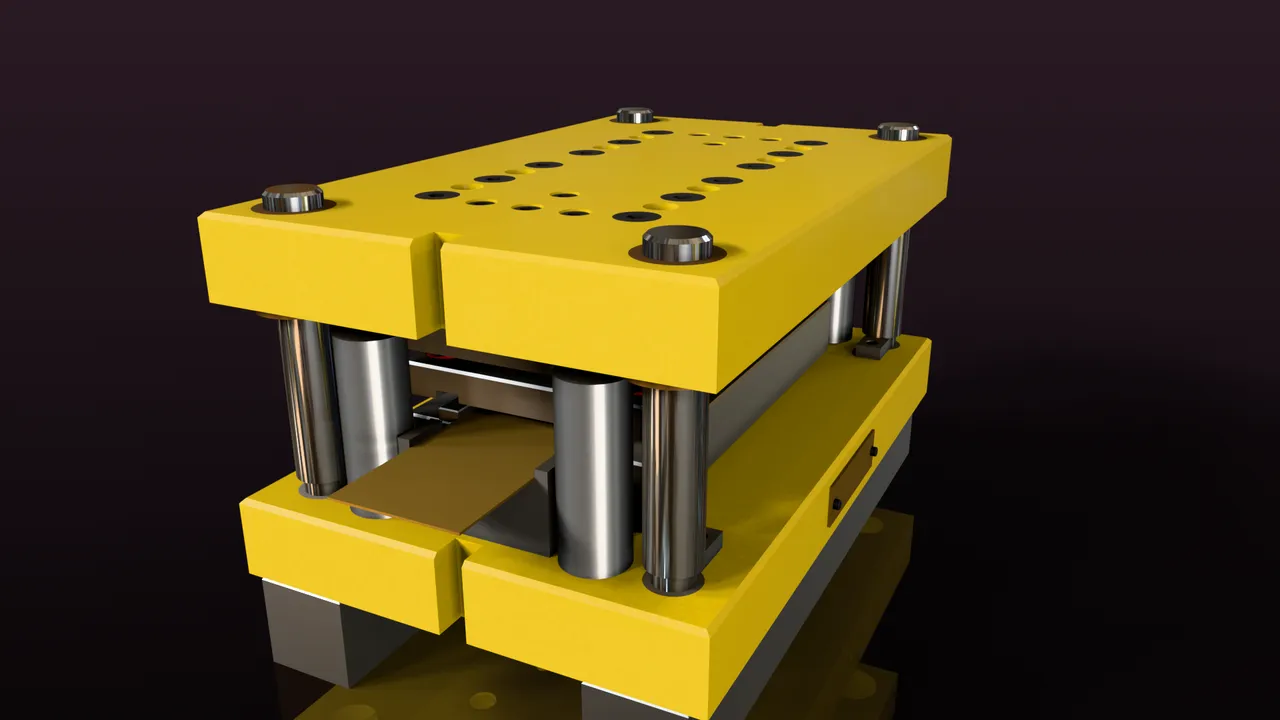
- Renders photo-real images in Render Studio and animates mechanisms and press cycles in Motion.
- Where it falls short: it is read-only, the native readers cover specific versions and geometry, and CATIA results are approximate. Ask for a STEP export for unsupported 3D files, including native NX files. The Windows download is not code-signed yet.
When another viewer is the better choice
- Native SOLIDWORKS files: eDrawings reads them directly.
- Designing together: Onshape is a full cloud CAD system with sharing and version history.
- Changing the geometry: FreeCAD is free modelling software for Windows, Mac and Linux.
- Enterprise PMI and reports across many native formats: Glovius, on a subscription.
- AutoCAD drawings (DWG): DWG TrueView on Windows, or Autodesk Viewer in a browser. PartLens opens DXF and supported AutoCAD 2000 2D DWG files.
- Nothing to install, and the file is not confidential: Autodesk Viewer or ShareCAD open it in a browser, by uploading it to their servers.
How to choose
- Where do you open files? On the shop floor, a phone viewer that works offline saves the walk to a PC.
- Whose file is it? Customer CAD is often under a non-disclosure agreement; a viewer that uploads it may break that.
- What do you need to know? If the answer is a diameter or a hole position, check that measuring is in the free tier and that the viewer tells you how precise the number is.
Frequently asked questions
What is the best free CAD viewer?
It depends on what you open and where. For STEP and CATIA files on a phone or a PC with nothing uploaded, PartLens is free on Android, iPhone, Windows and Mac and includes measuring, sections, rendering and motion. SOLIDWORKS users often prefer eDrawings for native SOLIDWORKS files, teams that design together use Onshape, and for AutoCAD DWG drawings Autodesk's free DWG TrueView is the usual choice.
Is there a free CAD viewer that works offline?
Yes. PartLens opens and processes files on the device with no account or internet connection. FreeCAD also works offline on a PC, but it is a full modelling program rather than a quick viewer, and has no phone app.
Can a free viewer open CATIA files?
PartLens opens CATIA V5 CATPart and CATProduct files and 3DXML exports without CATIA, from the display shape CATIA saves in the file, so its CATIA measurements are marked approximate. Most other free viewers need a STEP export first.
Can I render or animate a CAD model in a free viewer?
PartLens includes Render Studio for photo-real images and Motion for mechanisms and press cycles at no cost. Its optional Animate with AI uses credits. Most free viewers only show the model.
Do online CAD viewers upload my file?
Browser-based viewers generally upload the file to the provider's servers to display it. If the file belongs to a customer, check their rules first, or use a viewer that processes files on your own device.
Try PartLens on the file you have now
Free on Android, iPhone, Windows and Mac. No account, no upload.
Get it on Google Play All downloads